
Summary
Most fleets already have telematics installed. The gap is turning all that data into weekly decisions that reduce fuel use, prevent breakdowns, and improve customer service.
This guide shows how to build a simple telematics reporting rhythm, which metrics matter for delivery fleets, and how to turn reports into coaching and maintenance actions without creating extra admin work.
Why most telematics programs stall
Telematics usually fails to deliver results for one of three reasons:
- Reports are too broad, so nothing feels urgent
- Dashboards show activity, not outcomes
- Data is reviewed, but not tied to actions and accountability
If a report does not lead to a decision, it becomes noise.
What to track (and what to ignore)
A useful telematics program is built around a small set of operational outcomes.
1. Fuel and idling control
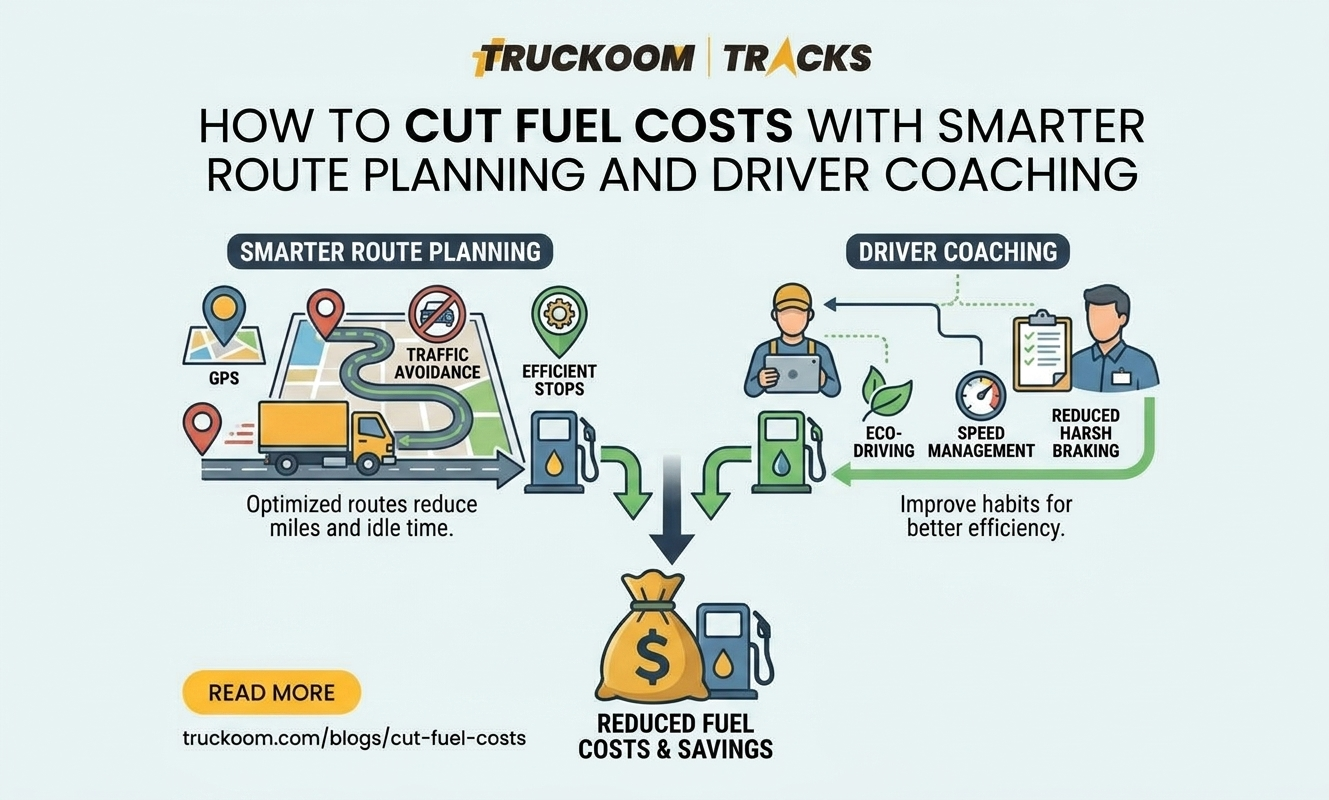
Fuel waste often shows up in patterns that telematics can highlight quickly.
Track:
- Total idle time per vehicle and per driver
- Idle time at depot versus on-route
- Harsh acceleration and braking frequency (as a proxy for driving style)
- Speeding time in defined speed bands
How to use it:
- Set an idle threshold per shift or per route type
- Identify the top five idling vehicles each week
- Investigate causes before coaching, such as gate delays, queueing, loading issues, or AC usage in peak heat
2. Driver behavior that affects risk and cost
Driver behavior metrics should be used for coaching, not punishment.
Track:
- Harsh braking and harsh acceleration events per 100 km
- Speeding duration, not just maximum speed
- Cornering events on known problem roads
How to use it:
- Compare drivers on the same route type to keep comparisons fair
- Coach on one behavior at a time, for example harsh braking first
- Recognize improvement publicly, then address outliers privately
3. Asset utilization and route reality
Telematics can show whether planning assumptions match reality.
Track:
- Engine hours versus distance traveled
- Vehicle active time versus parked time
- First movement time and last movement time
- Dwell time at repeated customer locations
How to use it:
- Separate operational delays from planning issues
- Use dwell time to renegotiate service time assumptions with customers
- Identify underutilized vehicles to reduce fleet size or redeploy assets
4. Maintenance signals that prevent expensive downtime
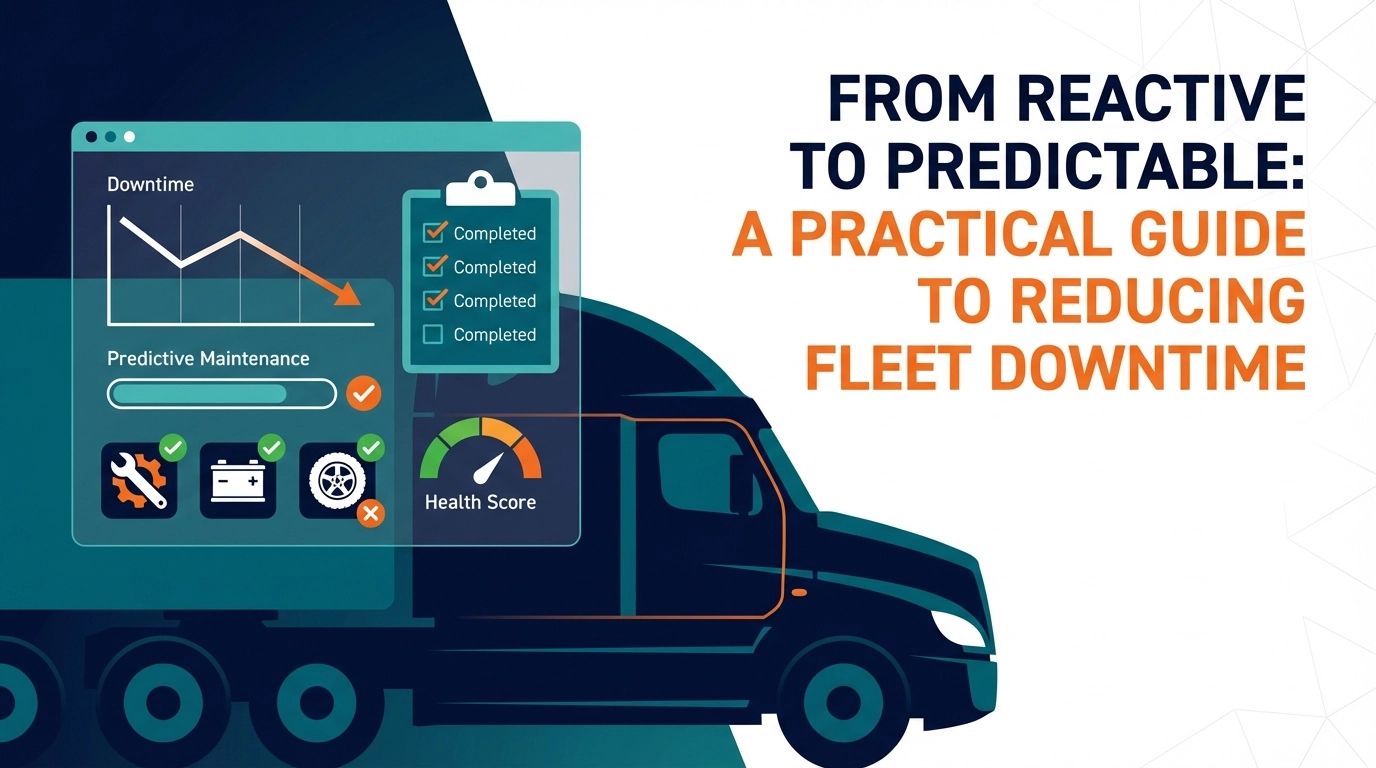
Predictive maintenance is not only about advanced models. It starts with consistent signals and habits.
Track:
- Odometer and engine hour based service intervals
- Diagnostic trouble codes (DTCs) frequency and repeats
- Battery voltage patterns (where available)
- Overheating events and prolonged high engine load
How to use it:
- Flag repeat DTCs that occur across multiple vehicles
- Create a rule: any DTC repeated three times in a week triggers an inspection
- Group maintenance planning by route severity, such as high heat, stop-start, heavy loads
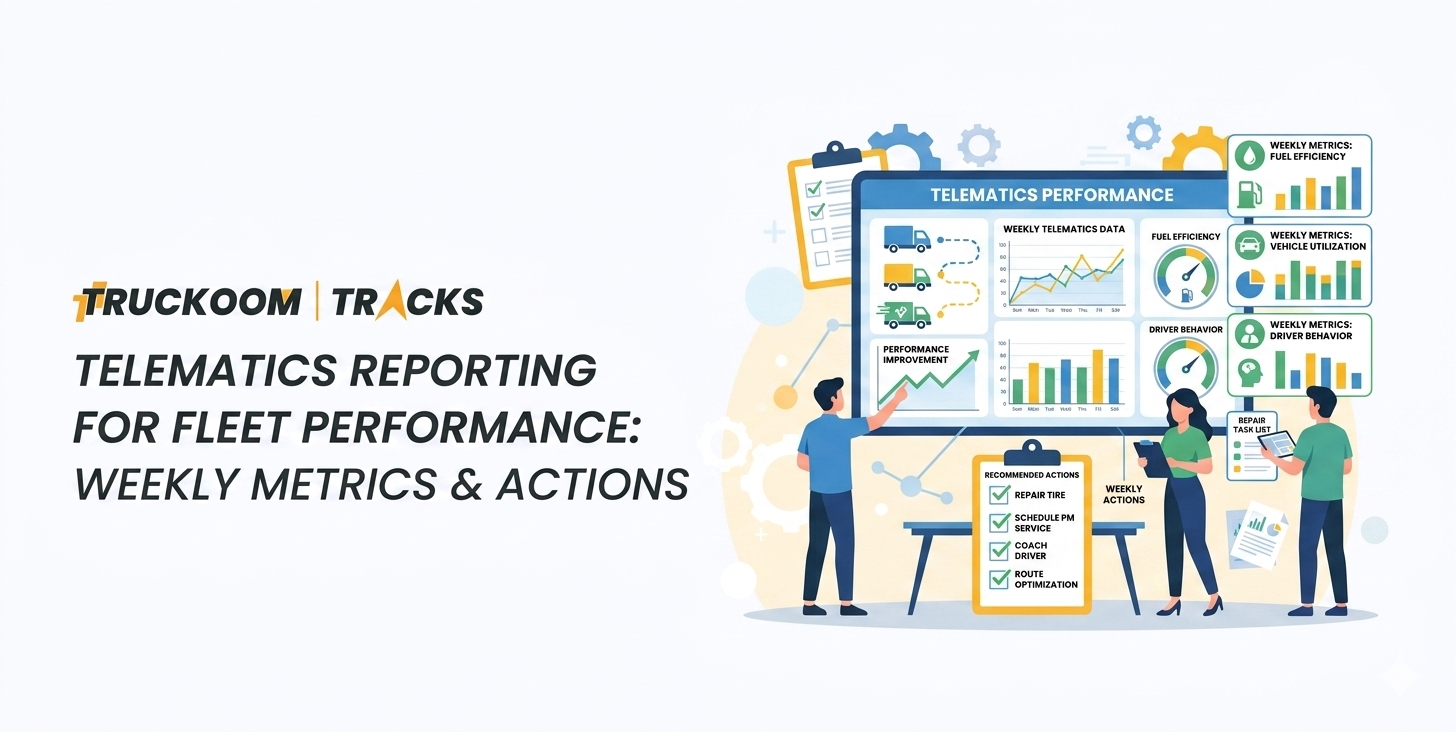
The “one page” weekly telematics report Truckoom can run
If the report cannot fit on one page, it will not be reviewed consistently.
Include these sections:
Section A: Fleet snapshot (last 7 days)
- Total distance
- Total driving hours
- Total idle hours
- Fuel proxy metrics (idle and behavior trends)
- Breakdown and tow incidents (if tracked)
Section B: Top improvement opportunities
List only three to five items:
- Highest idling vehicles and where it happens
- Routes with unusual dwell time increases
- Vehicles with repeated fault codes
Section C: Driver coaching list
- Top five drivers to recognize for improvement
- Top five drivers for coaching, with one clear behavior each
Section D: Maintenance watchlist
- Vehicles nearing service interval by km or engine hours
- Vehicles with repeated DTCs
- Vehicles with abnormal temperature or voltage patterns
Turning reports into results: a simple operating cadence
A report is only useful when it plugs into a weekly routine.
Step 1: Schedule a fixed weekly review
Pick a consistent time, such as Monday morning or end of week.
Keep it to 30 minutes with:
- Dispatch lead
- Fleet or maintenance lead
- Operations manager
Step 2: Assign actions in the meeting
Every key metric should map to one of these actions:
- Coaching action for a driver
- Process fix for dispatch or loading
- Maintenance inspection or parts plan
- Customer conversation about access, dwell time, or scheduling
Step 3: Close the loop next week
Start the next review by checking last week’s actions:
- Did coaching happen
- Did maintenance checks happen
- Did the metric move
This creates accountability without extra systems.
Common mistakes to avoid
- Tracking too many metrics and changing focus every week
- Comparing drivers across different route types
- Using telematics only for fault finding, not for performance improvement
- Reviewing data but not assigning actions
- Treating idling as a driver issue when the root cause is operational, such as waiting time at the depot
How Truckoom supports better reporting and decisions
Truckoom can help teams move from raw telematics feeds to decision-ready reporting by:
- Standardizing weekly reports that highlight actionable issues
- Flagging repeat vehicle fault patterns early
- Segmenting drivers and routes so comparisons stay fair
- Creating a simple feedback loop between dispatch, drivers, and maintenance
Final thoughts
Telematics is only valuable when it changes what happens next. A one page weekly report, a 30 minute review meeting, and a clear action list can reduce fuel waste, improve safety, and prevent avoidable downtime.
If you want a fast start, begin with idling control and maintenance watchlists, then expand to utilization and driver coaching once the routine is stable.